Migrating from monolithic VM-based infrastructure to containerized workloads on Kubernetes is one of the highest-impact infrastructure investments a growing company can make. It enables auto-scaling, dramatically simplifies deployments, and reduces cloud costs by 30-50% through better resource utilization. But the migration path is littered with pitfalls that can turn a 3-month project into a 12-month nightmare. Here's the playbook we've refined across dozens of successful migrations.
Phase 1: Infrastructure Audit and Planning (Weeks 1-2)
Before touching a single container, we spend two weeks understanding what exists. This means cataloging every service, mapping all inter-service dependencies, documenting current resource utilization (CPU, memory, network), identifying stateful vs. stateless components, and flagging anything that will be problematic in a containerized environment.
- Inventory all running services, their languages, frameworks, and runtime requirements
- Map inter-service communication patterns (synchronous REST, async messaging, shared databases)
- Identify stateful services that need special handling (databases, file storage, session state)
- Document current scaling behavior and peak traffic patterns
- Assess team Kubernetes readiness and identify training needs
Phase 2: Containerization (Weeks 3-6)
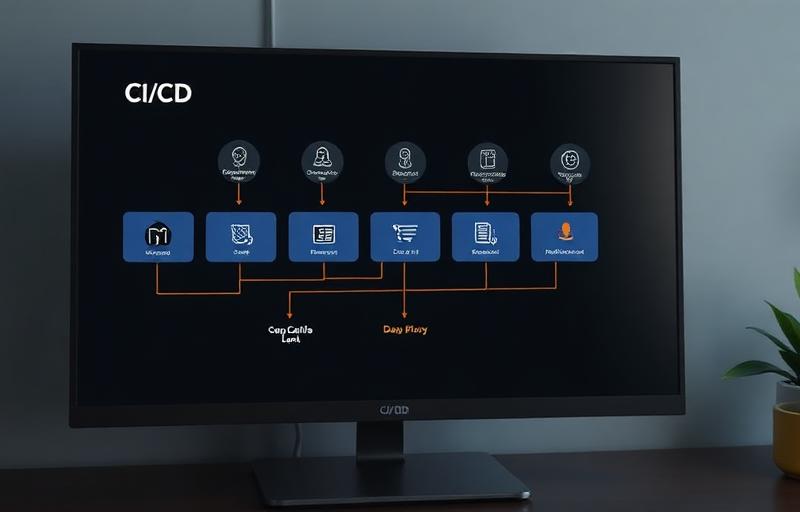
We containerize services incrementally, starting with the easiest candidates: stateless API services with well-defined inputs and outputs. Each service gets a multi-stage Dockerfile optimized for small image size and fast builds, a Helm chart defining its Kubernetes resources, and an automated CI pipeline that builds, tests, and pushes the container image on every merge.
A critical principle: containerize and deploy one service at a time, running it alongside the existing infrastructure. This means you can validate each migration independently and roll back a single service without affecting everything else. Big-bang migrations are how projects fail.
Never migrate everything at once. Containerize one service, validate it in production alongside the old infrastructure, then move to the next. This incremental approach is slower but dramatically safer.
Phase 3: Kubernetes Cluster Setup (Weeks 3-4, Parallel)
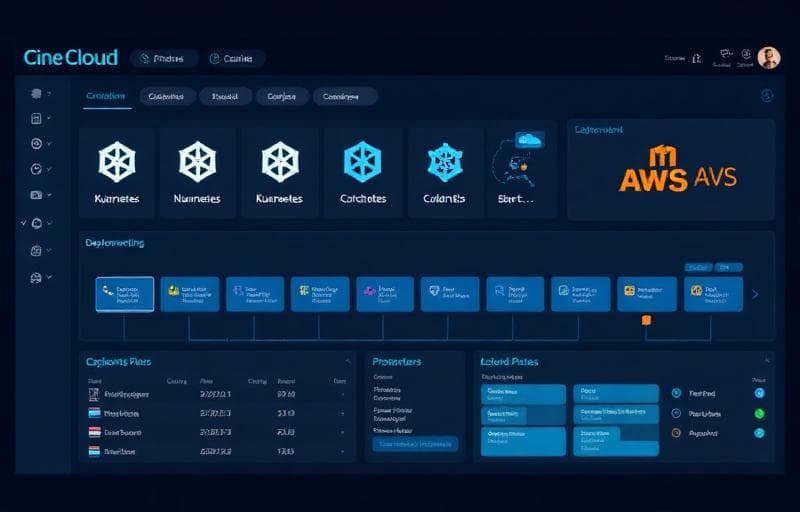
While containerization is underway, we provision the AWS EKS cluster. Our standard setup includes a multi-AZ cluster with managed node groups for reliability, Karpenter for intelligent auto-scaling based on actual pod resource requests, AWS ALB Ingress Controller for load balancing with TLS termination, ExternalDNS for automatic DNS record management, and Secrets Manager integration for secure configuration.
We use Terraform for all infrastructure provisioning, meaning every component is version-controlled, reviewable, and reproducible. If we need to recreate the cluster from scratch: for disaster recovery or to provision a new environment: we can do it in under an hour.
Phase 4: Stateful Workload Migration (Weeks 7-10)
Stateful services: databases, caches, file storage: require the most careful handling. Our strong recommendation: don't run databases inside Kubernetes unless you have a very good reason. Use managed services instead. RDS for PostgreSQL/MySQL, ElastiCache for Redis, S3 for file storage. These services handle backup, failover, and scaling better than any Kubernetes operator.
For services that genuinely need persistent storage inside the cluster (search indexes, application-level caches), we use EBS-backed PersistentVolumes with appropriate storage classes and backup strategies.
Phase 5: Observability and Production Readiness (Weeks 9-12)
A Kubernetes cluster without observability is a black box. Before declaring the migration complete, we ensure comprehensive monitoring is in place: Prometheus for metrics collection, Grafana for dashboards, Loki for log aggregation, and PagerDuty integration for alerting. Every service has health checks, resource limits, and pod disruption budgets configured.
Results We've Seen
Across our Kubernetes migration projects, clients consistently see 30-50% reduction in cloud spend (better resource utilization), deployment frequency increase from weekly/monthly to multiple times daily, mean time to recovery (MTTR) drop from hours to minutes, and auto-scaling that handles 10x traffic spikes without manual intervention. The upfront investment pays for itself within 6-12 months in reduced infrastructure costs alone.