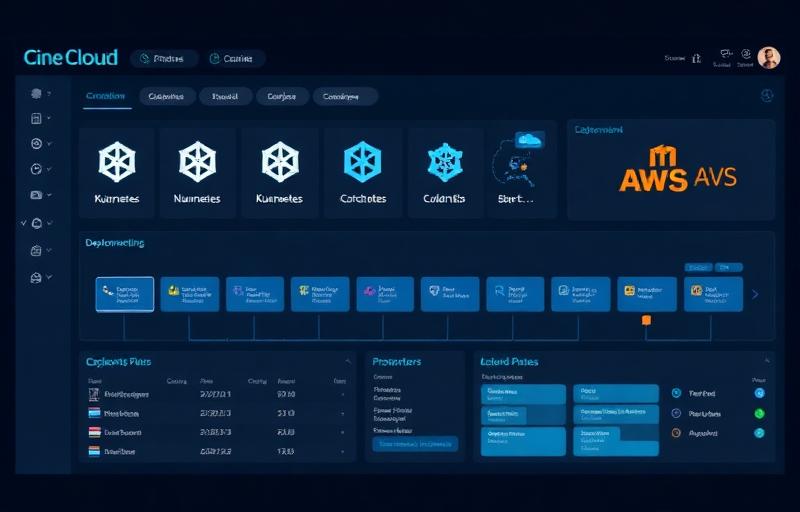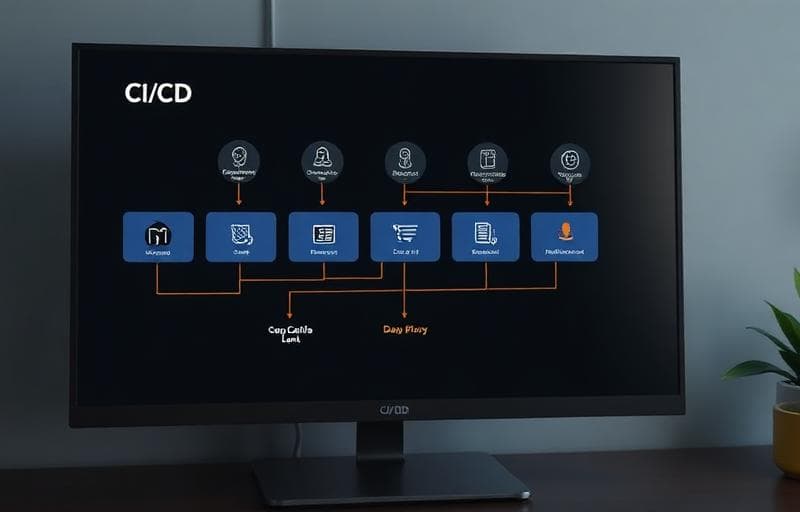
A great CI/CD pipeline is invisible: developers push code, and it appears in production minutes later, fully tested and monitored. But getting to that point requires deliberate choices about tooling, testing strategy, environment management, and deployment patterns. After building and maintaining pipelines for dozens of client projects, here's the exact toolkit and methodology we use at CiroStack.
Our Standard Toolchain
- GitHub Actions: CI workflows triggered on push and pull request events
- Docker: containerized builds for consistency across environments
- Terraform: infrastructure-as-code for all cloud resources
- ArgoCD: GitOps-style continuous deployment to Kubernetes clusters
- Datadog: unified observability (metrics, logs, traces, and alerting)
- Snyk: automated security scanning for dependencies and container images
This stack is our default starting point. We adapt it based on client constraints: some organizations require Jenkins, Azure DevOps, or GitLab CI due to existing tooling or compliance requirements. The principles stay the same regardless of the specific tools.
The Pipeline Stages
Stage 1: Build and Unit Test (Every Push)
Every push to any branch triggers a build and runs the unit test suite. If the build fails or any test breaks, the developer knows within 2-3 minutes. We target 90%+ unit test coverage for critical business logic and enforce this with coverage gates that block merges if coverage drops.
Stage 2: Integration Test and Code Quality (Pull Requests)
When a PR is opened, we run the full integration test suite: tests that verify the interaction between services, database queries, and API contracts. We also run static analysis (ESLint, SonarQube), dependency vulnerability scanning (Snyk), and check for secrets accidentally committed to the repo (GitLeaks).
Stage 3: Staging Deployment and E2E Tests (Merge to Main)
When code merges to main, it's automatically deployed to the staging environment. A full end-to-end test suite (Playwright or Cypress) runs against staging, exercising every critical user flow through a real browser. If any E2E test fails, the deployment is blocked from proceeding to production.
Stage 4: Production Deployment (Automated or Gated)
Depending on the client's risk tolerance, production deployments are either fully automated (if all tests pass on staging) or require a manual approval gate. We use canary deployments: rolling out to 5% of traffic first, monitoring error rates for 10 minutes, then gradually increasing to 100%. If error rates spike, an automatic rollback triggers.
Environment Management
Every project gets at minimum three environments: development (for active work), staging (mirror of production for testing), and production. Each environment is provisioned identically using Terraform, with environment-specific secrets managed through AWS Secrets Manager or HashiCorp Vault. We never allow configuration that exists only in production: if it's not in code, it doesn't exist.
The Results
Teams using our CI/CD framework ship an average of 8 deployments per week (up from 1-2), with a change failure rate under 3% and mean time to recovery under 15 minutes.
The initial investment in setting up a proper CI/CD pipeline is typically 2-3 weeks of DevOps engineering time. The ongoing return: in developer productivity, deployment confidence, and reduced incident severity: pays for itself within the first quarter. If your team is still deploying manually or testing in production, this is the single highest-leverage investment you can make.