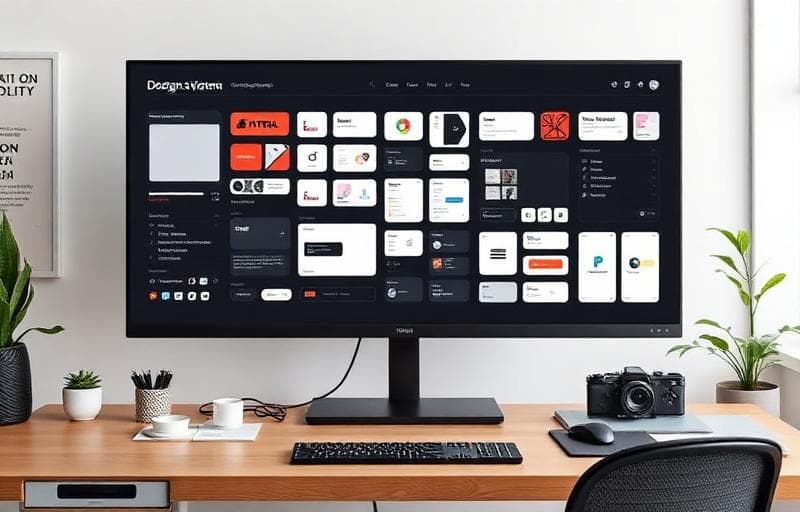
When your company has a single product, design consistency is manageable. A shared Figma file and some good habits go a long way. But when you have multiple products, multiple teams, and the pressure to ship fast: consistency falls apart without a proper design system. We've built design systems for SaaS companies ranging from 2 products to 12, and the principles are the same regardless of scale.
The Three Layers
Every effective design system has three layers, each building on the one below it. Getting this layering right is the difference between a system that teams adopt enthusiastically and one that gathers dust in a Storybook nobody visits.
Layer 1: Design Tokens
Tokens are the atomic values: colors, spacing scale, typography scale, border radii, shadows, animation durations. These are defined in a platform-agnostic format (JSON or YAML) and consumed by both design tools (Figma) and code (CSS custom properties, Tailwind config). When a token changes, every product updates automatically.
Layer 2: Primitive Components
Buttons, inputs, checkboxes, modals, tooltips, badges: the building blocks that every product needs. These are implemented as a React component library with TypeScript, using the design tokens for all visual properties. Each component has comprehensive props, accessibility built in (ARIA attributes, keyboard navigation), and thorough test coverage.
Layer 3: Composed Patterns
Data tables with sorting and pagination, form layouts with validation, navigation patterns, search interfaces, settings pages: these are the higher-level compositions that product teams use most frequently. They're built from primitive components and encode specific UX decisions (where does the error message appear? How does the filter panel behave on mobile?).
Implementation and Distribution
We publish the design system as a private npm package with semantic versioning. Teams install it like any dependency and receive updates through standard npm workflows. Breaking changes follow semver strictly: major version bumps give teams time to migrate.
- Storybook for interactive documentation: every component has live examples and a props table
- Visual regression testing (Chromatic) catches unintended visual changes before they ship
- Automated accessibility testing (axe-core) runs on every component in CI
- Usage analytics track which components are adopted and which are ignored
- A contribution model that lets product teams propose new components through a structured RFC process
The ROI Argument
Design systems require ongoing investment: typically one dedicated designer and one dedicated engineer to maintain and evolve the system. The ROI comes from dramatically faster feature development (teams compose from proven components instead of building from scratch), consistent UX across products (reducing user confusion and support burden), and reduced design-to-development handoff friction.
Companies with mature design systems report 30-50% faster feature delivery and a measurable reduction in design-related bugs. The payback period is typically 3-6 months.
If your team is spending time rebuilding the same UI patterns across products, or if your users are confused by inconsistent experiences, a design system investment will compound returns for years. We can help you build one from scratch or evolve an existing component library into a full system.